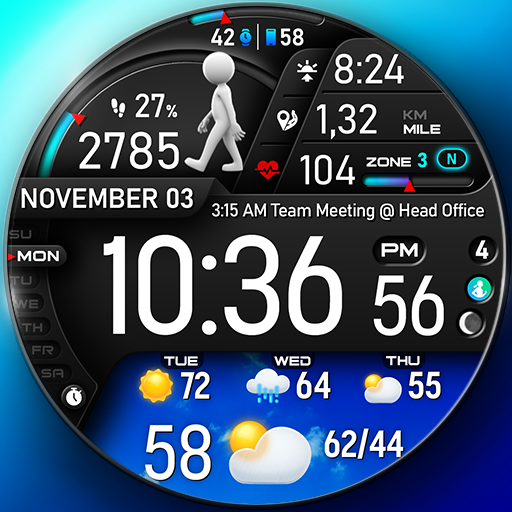
Screenshots
Description
Been using Icon Changer for a couple months now. It’s basically an app that lets you customize the icons and names of apps on your Android phone. Pretty solid if you’re into that kind of thing.
Here’s what you do – you pick the app you want to change, choose a new icon from the built-in library or your own photos, and give it a new name. There’s also a ton of different icon styles and packs to pick from, which is pretty cool. And you can make shortcuts on your home screen with the new icon – took me a while to figure that out but it’s useful.
Look, if you’re into theming and customizing your phone, you’ll probably like Icon Changer. It’s not perfect – the icon library could be bigger and some of the editing tools are a little clunky. But overall it does the job and it’s free, so worth checking out.
Editor Opinion
So here's my take on Icon Changer. I've tried a bunch of icon customization apps and this one's pretty solid. It's got a ton of options for changing up your app icons, from the built-in library to pulling from your own photos. And the ability to create homescreen shortcuts with the new icons is really handy. The only downsides are that the icon selection could be a little more diverse, and some of the editing features are a bit clunky to use. But overall, it's a really useful app if you're into theming your Android device.

Pros & Cons
Pros
- Tons of icon styles and customization options
- Easy to create homescreen shortcuts with new icons
- Completely free to use
- Works well on older Android phones
Cons
- Icon library could be more diverse
- Some of the editing tools are a bit tricky to figure out
- Ads can be annoying if you don't pay
Specifications
| Updated | 06.08.2025 |
| Category | Personalization |
| Age Rating | Everyone |
| Developer | Any Studio |
| Android | Android 5.0++ |
| Package Name |
any.icon |
Ratings
Rate this app
Help others by rating key aspects of this app
App Permissions
This app requires 4 permissions to function properly:
Frequently Asked Questions
Similar Apps
Raven Dark Icon Pack
LotusLamp X

Retro Mode – Icon Pack (Light)
Chester Flower time
Fall Autumn digital watch face

Sticker Maker – Sticker Share
Personalization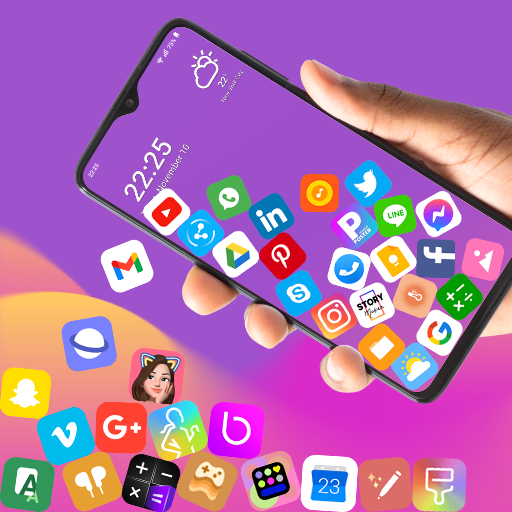
Rolling Icon: 3D Wallpaper

Fonts Keyboard – Fonts & Emoji
Themebox – App icons, Widgets

Book Cover Maker for Wattpad
MD335 Hybrid watch face