I tried several other applications with it nothing but frustration. Once I finally loaded this one I've had no problems. It works great! on my Philips Smart TV
A Google user
This was the easiest thing I've ever done. Seems to work as they advertise. I haven't tried to stream a movie yet but game and audio was on point. As soon as I figured out how to use my TV to mirror, the app found my TV and BAM! I'm very satisfied!
Anam Saqib
mirror link screen colour application is very easy to use. i like it very much. its features are very fast working and useful application. //
Harmonic Vibes
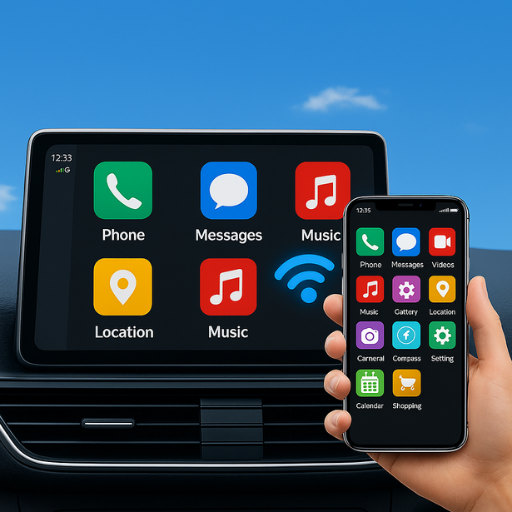
Mirror Link Screen Connector is a handy tool for mirroring your smartphone to your car’s infotainment system. It offers smooth connectivity and supports most Android devices. However, compatibility may vary across car models and software version.i highly recommend you to download this app.✓
A Google user
absolute garbage. all this app does is connect you to the screen cast option already on your phone. This app shows you a bunch of ads, then pulls up a "homescreen" that has you click on a button that opens up the cast option in your phone's default settings. lol. what a joke. Do these developers really think as are that dumb?
Jordan McLaughlin
Doesn't support airplay. Just redirects to the settings app. Filled with ads, and asks you to rate 5 stars before even using it. Very bad.
Aalain salman M salaam.
This app is perfect for presentations! I can mirror my phone's screen to a projector or TV, and it makes my presentations look professional🏏
Sadia Tanweer Khan
I've tried other mirroring apps before, but this one is the most stable and reliable. It works every time, without any lag or issues.🏏
Sana Adnan
AirPlay lets Apple device users wirelessly stream or mirror content like videos, photos, and music from their iPhone, iPad, or Mac to an Apple TV or compatible smart TV.//
Cindreli Tooba
Mirror link screen connector app is versatile and flexible. Making it easy to share content across different platforms. It is very useful and beneficial app. The instructions were clear. Must be donwload this app. High recommend ++