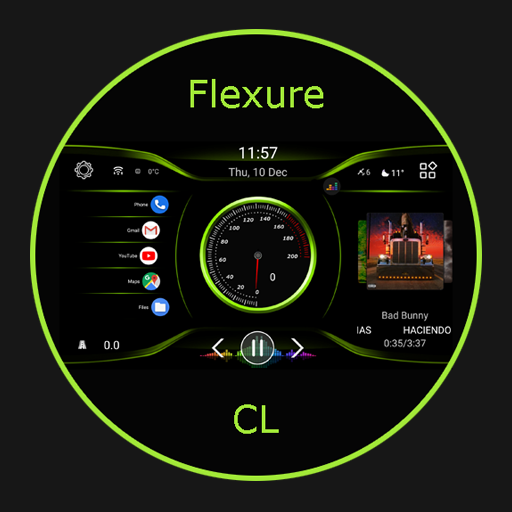
Screenshots
Description
Been using TeslaMirror for a couple months now. It’s basically an app that lets you mirror your Android device to your Tesla vehicle. Pretty solid if you’ve got a Tesla and you’re into that kind of thing.
Here’s what you do: you can connect your Tesla to your Android phone’s mobile hotspot and then use the app to project your phone’s screen onto your Tesla’s display. There’s also a bunch of Tesla-specific controls and info in the app, which is pretty cool. And you can even use voice commands – took me a while to figure that one out but it’s actually really useful.
Look, if you’ve got a Tesla and you’re always driving, you’ll probably like this app. It’s not perfect – the setup can be a bit finicky sometimes – but overall it does the job. Worth checking out if you want to mirror your Android on your Tesla’s big screen.
Editor Opinion
So here's my take on TeslaMirror. I've tested a bunch of car-related apps and this one's pretty solid. The main thing I like is how seamless it is to mirror my Android phone to my Tesla's display. And makes it easy to use my apps, maps, music, etc. while I'm driving. Not gonna lie though, the setup can be a pain sometimes and I've had a few connection issues here and there. But overall, it's a pretty useful app if you've got a newer Tesla model.

Pros & Cons
Pros
- Lets you mirror your Android phone to your Tesla's display
- Tons of Tesla-specific controls and info in the app
- Supports voice commands for hands-free use
- Free 6-day trial to test it out
Cons
- Setup can be a bit tricky at first
- Occasional connectivity problems
- Limited to Tesla vehicles only
Specifications
| Updated | 10.10.2025 |
| Category | Auto And Vehicles |
| Age Rating | Everyone |
| Developer | Hustmobile |
| Android | Android 8.0++ |
| Package Name |
com.hustmobile.teslamirror |
Ratings
User Reviews
It connects and plays for a few then it freezes on the Tesla browser screen. Have to stop and restart the browser for it to show again. But freezes shortly...
My phone will not longer connect to tesla for any controls other than door unlock and drive. The actual blue tooth to car function does not connect . I've done...
It's great it works. I do have to bring the browser up & put in the link again after reversing but for the most part the app does what it...
Rate this app
Help others by rating key aspects of this app
Frequently Asked Questions
Similar Apps
VAG DPF
AI Car Designer Modify & Tune
Piston – OBD2 Car Scanner
Capital One Auto Navigator

Sunoco: Pay fast & save

Hurricane Express Wash
RealDash

USAA DriveSafe
PROSS METHAN
Auto And Vehicles
EVgo Fast EV Charging Stations

EvGateway