Best AI Photo Enhancer Apps for Android (2026)
This collection highlights the best AI photo enhancer apps for Android, featuring tools that improve image quality and restore old photos. It is ideal for users looking to enhance their photography skills or revive cherished memories. The selections are ranked based on a combination of Google Play ratings and real user review volume.
The top picks, ranked
-
#1
Offers a wide variety of layouts and frames, allowing users to create personalized collages easily.
Free 100M+ downloads Has ads EveryoneRead full review -
#2
Provides numerous templates and customization options, enabling users to craft unique and visually appealing collages.
Free 50M+ downloads Has ads EveryoneRead full review -
#3
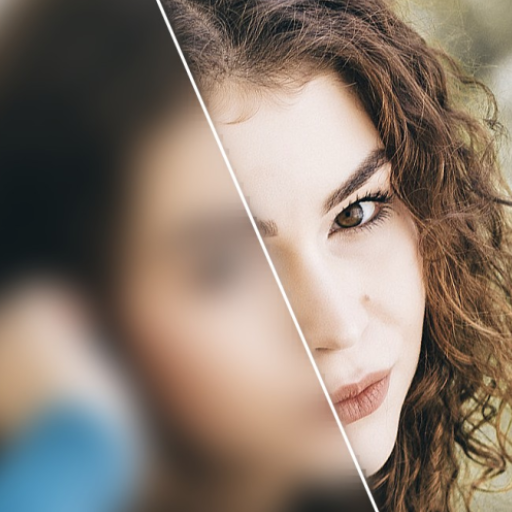
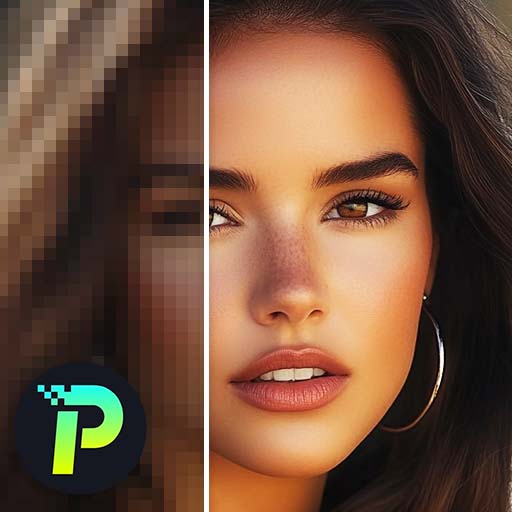
Effectively transforms blurry, low-resolution images into clear HD photos, improving overall image quality.
Free 500M+ downloads Has ads EveryoneRead full review -
#4
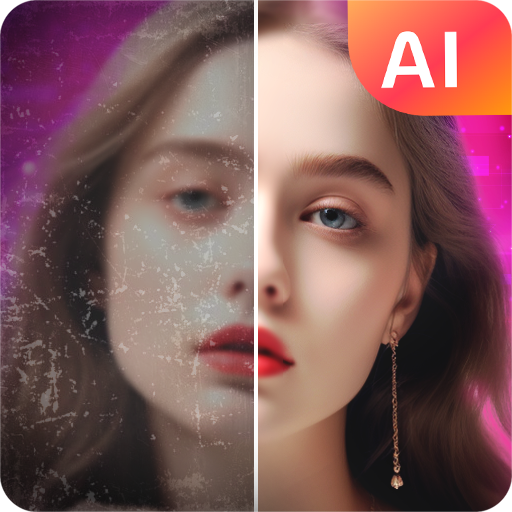
One-click enhancement of old, blurry photos to HD quality makes it user-friendly and efficient.
Free 100M+ downloads Has ads EveryoneRead full review -
#5
Includes powerful AI tools that sharpen and fix photos, enhancing clarity and detail.
Free 5M+ downloads Has ads EveryoneRead full review -
#6
Impressive AI technology enhances images with surprising accuracy, making photo enhancement accessible.
Free 10M+ downloads Has ads EveryoneRead full review -
#7
Features a comprehensive set of editing tools, including face tuning and filters, to enhance photos.
Free 10M+ downloads Has ads EveryoneRead full review -
#8
Combines a background eraser with photo enhancement features, creating versatile editing capabilities.
Free 10M+ downloads Has ads Everyone 10+Read full review -
#9
Offers a variety of filters and effects, allowing for creative editing and enhancement of images.
Free 10M+ downloads Has ads Everyone 10+Read full review -
#10
Includes unique AI-powered features that enhance both videos and photos, providing diverse editing options.
Free 5M+ downloads Has ads EveryoneRead full review -
#11
Utilizes AI to enhance and sharpen photos effectively, improving image quality.
Free 5M+ downloads Has ads EveryoneRead full review -
#12
Restores old, faded images with powerful AI tools, bringing new life to cherished memories.
Free 1M+ downloads Has ads EveryoneRead full review
More worth a look
AI Photo Enhancer – PixLift
Pixelup – AI Photo Enhancer
AI Photo Enhancer & AI Studio
AI Photo Enhancer and Remover
Renew – Old Photo Restoration
Anime AI – Photo Enhancer
YouCam Enhance: Photo Enhancer
AI Marvels – HitPaw
Filterly – AI Photo Enhancer
How we picked
Every app on this page is ranked by a quality score that combines its Google Play star rating with how many people have actually reviewed it — so widely-trusted, highly-rated apps come first, and a perfect score from a handful of users can't game the order. We then sanity-check each pick against the theme of the collection and surface the key facts (price, size, ads, age rating) up front so you can decide at a glance.
Frequently asked questions
What are AI photo enhancer apps?
AI photo enhancer apps use artificial intelligence technology to improve the quality of images by sharpening, restoring, or enhancing details. They can transform low-resolution or blurry photos into clearer, high-definition versions.
How do I choose the best AI photo enhancer app?
Consider factors such as user ratings, features offered, and ease of use. Look for apps that specialize in the specific enhancements you need, such as restoring old photos or improving image clarity.
Can these apps really restore old photos?
Yes, many AI photo enhancer apps are designed with tools specifically for restoring old or faded images. They can remove imperfections and enhance details, making old photos look new again.
Are these apps free to use?
Most of the listed AI photo enhancer apps offer free versions, though some may have in-app purchases for additional features or tools. Always check the app details for any associated costs.
Do AI photo enhancer apps work offline?
Many apps require an internet connection to access AI features, as processing may occur on remote servers. However, some may offer basic offline functionality for certain editing tools.