
Best Resume & CV Builder Apps for Android (2026)
This collection highlights top resume and CV builder apps for Android, ideal for job seekers looking to create professional documents. Each app has been ranked based on a combination of Google Play ratings and review volume for quality assurance.
The top picks, ranked
-
#1

Indeed Job Search offers a comprehensive job listing database alongside its resume-building features, making it a practical choice for users seeking job opportunities.
Free 100M+ downloads Has ads EveryoneRead full review -
#2
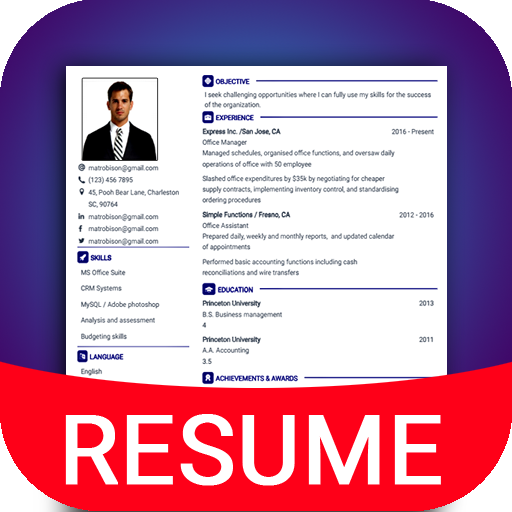
Resume – Intelligent CV maker stands out for its wide array of professional resume templates, allowing users to customize their documents easily.
Free 50M+ downloads Has ads EveryoneRead full review -
#3

Resume Builder – CV Engineer provides numerous professional templates while also offering a user-friendly interface for quick resume construction.
Free 1M+ downloads Has ads EveryoneRead full review -
#4
AI Resume Builder CV Maker PDF utilizes AI technology to generate resumes in just minutes, streamlining the process for users.
Free 1M+ downloads Has ads EveryoneRead full review -
#5
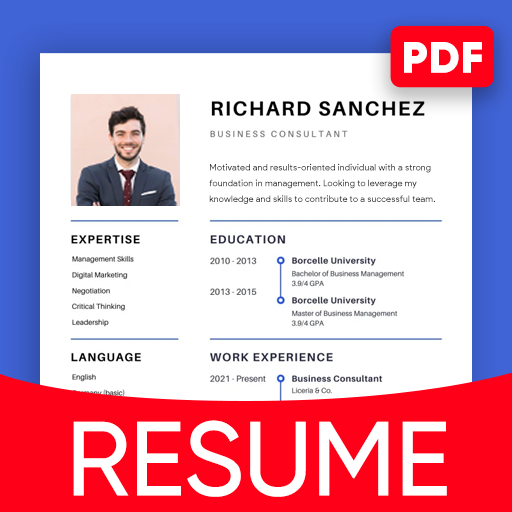
Resume Builder: CV maker PDF features a variety of templates, catering to different job markets and individual preferences.
Free 10M+ downloads Has ads EveryoneRead full review -
#6

MyPerfectResume Builder includes a selection of pre-written resume bullet points, helping users articulate their skills and experiences effectively.
Free 100K+ downloads No ads EveryoneRead full review
How we picked
Every app on this page is ranked by a quality score that combines its Google Play star rating with how many people have actually reviewed it — so widely-trusted, highly-rated apps come first, and a perfect score from a handful of users can't game the order. We then sanity-check each pick against the theme of the collection and surface the key facts (price, size, ads, age rating) up front so you can decide at a glance.
Frequently asked questions
What features should I look for in a resume builder app?
When choosing a resume builder app, consider features like customizable templates, ease of use, integration with job search platforms, and additional resources such as pre-written bullet points.
Can I create a CV in addition to a resume with these apps?
Yes, many of these apps support both CV and resume formats, allowing users to switch between styles depending on their job application needs.
Are these apps free to use?
Most of the apps listed offer free versions with optional in-app purchases for premium features, ensuring users can access basic resume-building tools without any cost.
How do I choose the right template for my resume?
Selecting the right template depends on your industry and personal style. Choose a format that highlights your skills and experience while remaining professional and easy to read.
Can I edit my resume after I create it?
Yes, all the listed apps allow for easy editing of resumes, enabling users to update their documents as needed for different job applications.