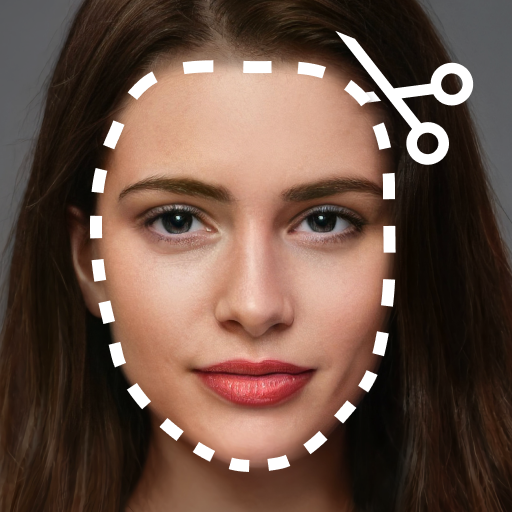
Screenshots
Description
Been using Cut and Paste Photos for a couple months now. It’s basically a photo editing app where you can cut out objects from one image and paste them into another. Pretty solid if you’re into making cool photo collages and stuff.
Here’s what you do: you just select a photo, tap the object you wanna cut out, and then pick where you wanna paste it. There’s also an option to remove the background, which is pretty cool. And you can layer multiple cutouts on top of each other – took me a while to figure that out but it’s useful.
Look, if you’re into photo editing and want an easy way to get creative, you’ll probably like this. It’s not perfect – the ads can be annoying if you don’t pay – but overall it does the job. Worth checking out.
Editor Opinion
So here's my honest take on Cut and Paste Photos. I've tested a bunch of photo editing apps and this one's pretty solid. The core functionality works really well - it's easy to cut out objects and paste them where you want. And the background removal is a nice touch too. But the UI can be a little clunky at times and the free version has a lot of ads. Compared to some other options, it's not as feature-rich, but for basic photo manipulation it gets the job done.

Pros & Cons
Pros
- Easy to cut and paste objects between photos
- Handy background removal tool
- Lots of flexibility to layer and position elements
- Free to use, no need to pay for the basics
Cons
- UI can be a bit confusing at first
- Lots of ads in the free version
- Limited advanced editing features compared to Photoshop
- Can get repetitive after a while
Specifications
| Updated | 28.08.2025 |
| Category | Photography |
| Age Rating | Everyone |
| Developer | ZipoApps |
| Android | Android 5.0++ |
| Package Name |
com.photoappworld.cut.paste.photo |
Ratings
Rate this app
Help others by rating key aspects of this app
App Permissions
This app requires 4 permissions to function properly:
Frequently Asked Questions
Similar Apps
PREQUEL AI Filter Photo Editor

AniDub Max

YouCam Makeup – Selfie Editor
Headshot AI Pro: Perfect Photo
Canon Camera Connect

PhotoCircle

Heart Camera
Tactacam REVEAL

Art Filter Sketch Photo Editor

AI Photo Editor – AIFoto
Fotor – AI Agent Photo Editor

Motionleap by Lightricks
More from ZipoApps
Crop, Cut & Trim Video Editor
Screen Mirroring – Cast to TV
REC – Screen | Video Recorder
Office Reader – WORD/PDF/EXCEL
Add Text To Photo – Text Art