

Home/Applications/SoundWire Full-Audio Streaming
SoundWire Full-Audio Streaming

SoundWire Full-Audio Streaming

Android GeorgieLabs
4.0Popularity

Addictive audio streaming app for your Android

System Requirements

Updated
September 14, 2025
Age Rating
Everyone
Developer
Package Name
com.georgie.SoundWire

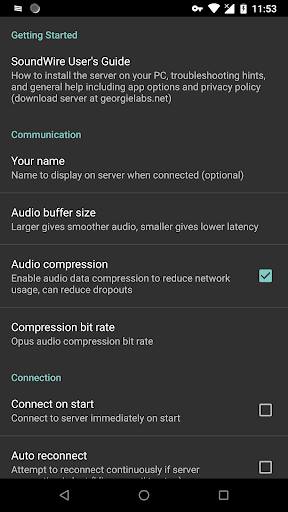
So here's my honest take on SoundWire Full-Audio Streaming. I've tested a bunch of wireless audio apps and this one's pretty solid. The audio quality is great, and I like how you can use it as a remote speaker or headphones for your PC's audio. And the cross-platform support for Windows and Linux is nice too. Only downside is the learning curve - it took me a little while to get everything set up properly. But once it's working, it's super convenient. I'd recommend this if you want a reliable way to stream audio from your computer anywhere.

Manya Lyalya
AUTHOR:Manya LyalyaEditor, Grand Screen

Pros

  • Lets you stream any audio from your PC to your Android device
  • Supports up to 10 connections at once, great for sharing with friends
  • Works over the internet, not just local WiFi
  • Free version has no ads or interruptions
  • Audio quality is pretty good

Cons

  • Can be tricky to set up at first, took me a while to figure it out
  • Upgrading to the full version costs money
  • Might be overkill if you just need basic wireless audio
  • Drains your phone's battery faster than regular Bluetooth
GOOGLE PLAY SCORE
4.0/5
based on 995 reviews
Generally Favorable
80
MY SCORE
Hover and click to give a rating
?
Rate this app

Description

Been using the SoundWire Full-Audio Streaming app for a couple months now. It’s basically a way to stream any audio from your Windows or Linux PC directly to your Android device. Pretty solid app if you’re into listening to music, podcasts, or movies on the go.

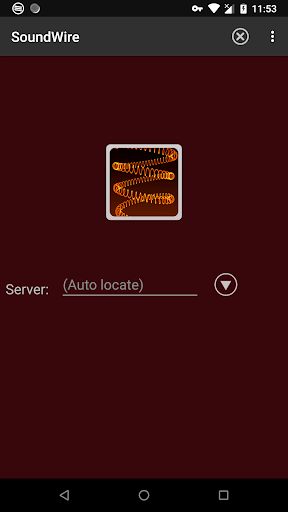
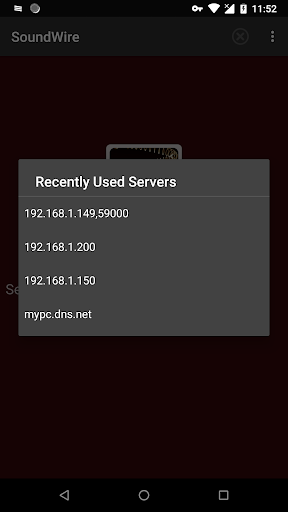
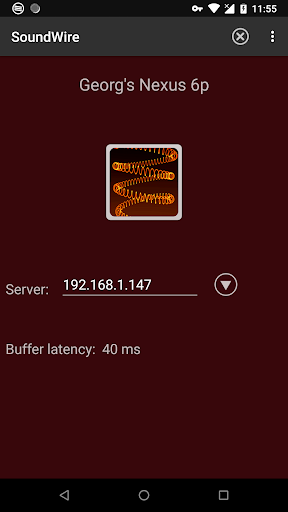
Here’s what you do: you install the SoundWire server app on your computer, then connect your Android phone or tablet. And there’s also an option to use it over the internet, not just local WiFi, which is pretty cool. And you can connect up to 10 devices at the same time – took me a while to figure that out but it’s useful.

Look, if you’re into wireless audio and want to be able to listen to your computer’s audio anywhere around the house (or even outside), you’ll probably like this. It’s not perfect – the setup can be a bit tricky at first – but overall it does the job. Worth checking out.

User Reviews

A Google userOctober 24, 2025

This app is incredible, and i love it. The only problem is the transmission of signal is a little delayed, so when i watch movie from the, computer, the sound...

Dean BensonOctober 24, 2025

Used the free app for a few hours and worked as expected so I bought the app in support of development. It does more than what I expected in that...

Sean aka b3ckOctober 24, 2025

It Just Works! Protip: When entering in the IP make sure you press the enter key on your keypad in order to connect, I was under the impression to press...

Rate this app

Help others by rating key aspects of this app

Usability

50%

Features

50%

Design

50%

Frequently Asked Questions